The agentic os command center is the dashboard I open first thing every morning, and this walkthrough shows you exactly what it does.
I get the same question from people on YouTube and inside the Boardroom every week.
"Cool, you keep mentioning a command center, but what does it actually do day-to-day?"
This post answers that, screen by screen.
If you've been hearing about agentic operating systems but want a practical walkthrough rather than another concept article, this is the one.
Want the dashboard I'm walking through here? Inside the AI Profit Boardroom I share the full command center zip, 100+ prompts and a 30-day build roadmap. Join AIPB for $69/mo
What you're looking at when you open it
When I open the agentic os command center, here's what fills the screen.
A row of live agents across the top — Claude, Hermes, OpenClaw, and a few custom ones I've added for specific tasks.
A memory panel down the side that lets me search every conversation I've ever had with any of them.
A goals and journal panel in the middle, with progress bars and today's entry already loaded.
An analytics panel at the bottom showing sessions, tokens, peak hours and the cost trend over the last week.
A persistent sidebar with mic input, session export and any new updates from the agents.
That's the whole thing.
One screen, four panels, every agent visible.
For the full conceptual frame, I built Agentic OS and Agentic OS Meaning — both worth reading alongside this.
What it does in the morning
Mornings are where the command center earns its keep.
I sit down, open the dashboard, and the first thing I see is my goals panel with this week's targets.
Below that, my journal panel auto-shows yesterday's entry and prompts me to write today's.
I type a one-liner into the journal — "shipping a new lead magnet today, want to test the offer with cold traffic by Friday."
The agents already know that context.
When I ask Claude "what should I focus on first this morning?", it doesn't guess.
It pulls from the goals, the journal and the memory panel and gives me a specific 90-minute plan based on what I've already been working on.
That's a different conversation to the generic one I used to have with ChatGPT in a tab.
For the Claude-stack details, see Agentic OS Claude.
What it does during a build session
Mid-build, the command center holds the chaos together.
I'll have Claude planning the architecture in one chat.
OpenClaw clicking through a browser to test the live site in another.
Hermes researching a competitor's stack in a third.
All three are visible at once, all three are auto-saving to the same memory layer.
I don't have to ferry context between them.
I can ask Claude "what did Hermes find about competitor X?" and it can answer because the memory panel is shared.
That's the bit that makes the whole stack feel like a team, not three lonely tools.
For more on this team-of-agents pattern, Hermes Agent Mission Control and OpenClaw Mission Control have the deep dives.
What it does inside each agent's control room
Click into any agent and the control room opens.
That control room is where the small details live that most builds forget.
You get the API keys for that specific agent.
You get the providers it's allowed to use.
You get session history with timestamps so you can reopen any past chat.
You get the skills and plugins it has loaded, and a switch to add or remove them.
You get a Kanban board for that agent's current tasks.
You get an insights panel that summarises what the agent has been doing this week.
The first time I opened the Claude control room and saw "73 sessions, 412 tool calls, peak hour 09:00", I genuinely changed how I planned my day.
What the memory panel does in practice
The memory panel is the bit that makes people lean forward.
Every conversation, every prompt, every reply — auto-saved to Obsidian.
You don't have to remember to save anything.
You search "lead magnet ideas" and you get the conversation from three weeks ago that you'd already forgotten.
You search "Q2 launch plan" and you get the three chats where you sketched it out.
This is the closest thing I've ever had to a real second brain that AI agents can actually read from.
If you want the deeper Hermes-flavoured take on memory, see Agentic AI OS and Hermes Agent OS.
What the analytics panel does in practice
The analytics panel is the panel I checked yesterday and then changed my whole token budget.
It showed me:
- I'm spending 4x more on Claude Sonnet than on Hermes for similar tasks.
- My peak productivity is 09:00-11:00, which means meetings in that window are extra expensive.
- Tool calls per session have doubled in the last two weeks — meaning the agents are doing more, not just chatting more.
- My weekly cost trend is up 30%, but my output is up 60%, so the ROI is still healthy.
That's not a productivity toy.
That's a business dashboard for the AI side of my operation.
The cool bit is that all of it is automatic — the analytics panel feeds itself from every session across every agent.
The 4-layer Goldie Mission Stack underneath the panels
Here's the stack that the panels are actually surfacing.
| Layer | Tool | What the panel shows |
|---|---|---|
| Intelligence | Claude | Reasoning + plans |
| Execution | OpenClaw | Tasks shipped + Kanban |
| Research | Hermes | Findings + sources |
| Self | Obsidian + OMI | Searchable memory |
The command center is the lens.
The Goldie Mission Stack is what's actually doing the work behind the lens.
Once you see the stack mapped to the panels, the whole architecture clicks.
For more, see the per-layer write-ups at Agentic OS Claude Code and Agentic OS Download.
What it does for client work
Client work is where the dashboard becomes outright unfair.
I can pull up a client's project in the goals panel, see the journal entries from the last week, and walk them through it in a single screen.
No "let me find that email", no "give me a second to dig through Slack".
It's all there.
The Kanban inside each agent shows them what the AI side of the project has shipped this week.
The analytics shows them the cost-to-output ratio in real numbers.
Clients see a Bloomberg-terminal feel for their own project, and they pay more for that experience.
The hammer vs construction company analogy
I keep going back to this because it explains 80% of what people get wrong.
ChatGPT is a hammer.
Claude in a browser tab is a hammer.
Hermes on its own is a hammer.
OpenClaw on its own is a hammer.
You can own all the hammers in the world and still not build a house.
The agentic os command center is the construction company.
It's the site office, the foreman, the project plan and the materials list all under one roof.
That's what it does — it turns a pile of hammers into a working construction company.
Why this beats jumping between browser tabs
ChatGPT in one tab plus Claude in another plus a random AI tool in a third equals no system.
It's three loose hammers, each with its own short memory.
The command center fuses them onto one screen with one shared memory.
That's the unlock.
The number of times I open the dashboard, save a 15-minute task and don't even open Chrome is now most of my day.
What it does on a content sprint week
Content weeks are where the command center really earns its rent for me.
Here's how a recent sprint looked through the dashboard.
I updated the goals panel to "ship 5 long-form posts + 5 YouTube scripts this week."
The journal panel logged my one-liner about the angle and audience.
I asked Claude in the agent panel to outline all 10 pieces against the goal.
Hermes researched the keyword for each piece in parallel and dropped notes into the memory panel.
I asked Claude to draft post 1.
OpenClaw scheduled the publish for the draft via the Kanban in its control room.
By the time I'd finished writing post 2, post 1 was already live and indexed.
The analytics panel told me which model wrote each post and how much it cost — turns out Hermes wrote the research-heavy intros cheaper than Claude.
I rewired the workflow on the spot.
Five posts shipped by Wednesday, five scripts by Friday.
That's a content week through one dashboard, not 12 tabs.
Inside the AI Profit Boardroom
Here's what's inside AIPB that maps to this exact build:
- The full command center zip, drop-in ready.
- 100+ prompts to customise every panel and agent.
- A 30-day "blank screen to live dashboard" roadmap.
- 5 weekly coaching calls where I help you debug live.
- 3,000+ members already running their own command centers.
- $69/mo locked, twin guarantee.
Want the dashboard I just walked you through? Join the AI Profit Boardroom for the build files, prompts, coaching and 3,000+ members.
If you want to start free first, the AI Money Lab community is the free tier.
If you'd rather have my team build the stack for you, Goldie Agency handles custom builds.
FAQ — agentic os command center walkthrough
What does an agentic os command center actually do day-to-day?
It runs every AI agent you own from one screen, with shared memory, live status, goals, journal and analytics, so you stop tab-hopping between AI tools.
Is the agentic os command center for non-technical users?
Yes, the build itself is done in Claude Desktop in plain English, and the daily walkthrough is essentially clicking between four panels — no terminal required.
Can I use the dashboard for client work?
Yes, I use it daily for client work — the goals panel, journal panel and Kanban inside each agent are perfect for walking clients through what's shipped.
Does the memory panel really save everything?
Yes, every chat auto-saves to Obsidian and the memory panel reads from it in real time, so nothing you do with the agents is ever lost.
What's the difference between this and just using ChatGPT?
ChatGPT is one hammer, the agentic os command center is the construction company — with multiple agents, shared memory and analytics built in.
Can I show this to clients without it looking janky?
Yes, the dashboard looks like a Bloomberg terminal — clean, dark mode, charts, status dots — clients tend to lean in rather than out.
About Julian
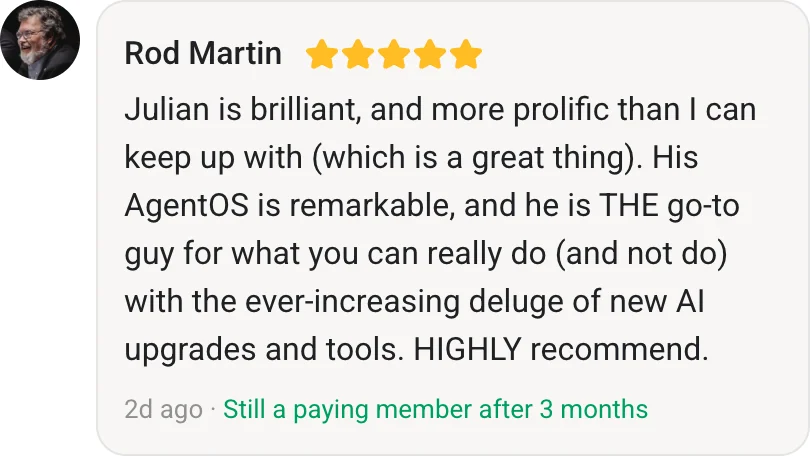
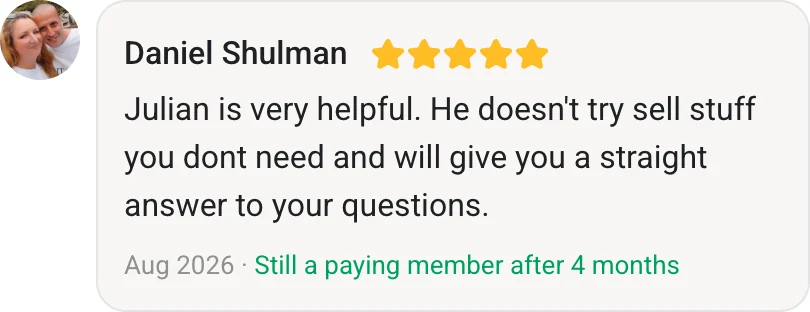
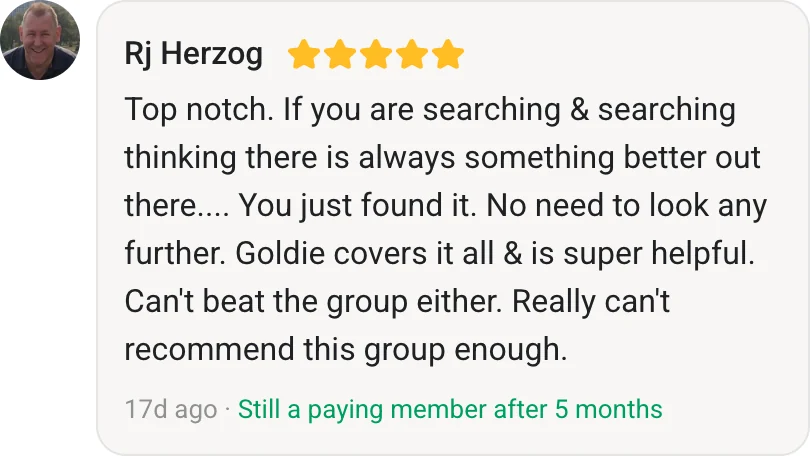
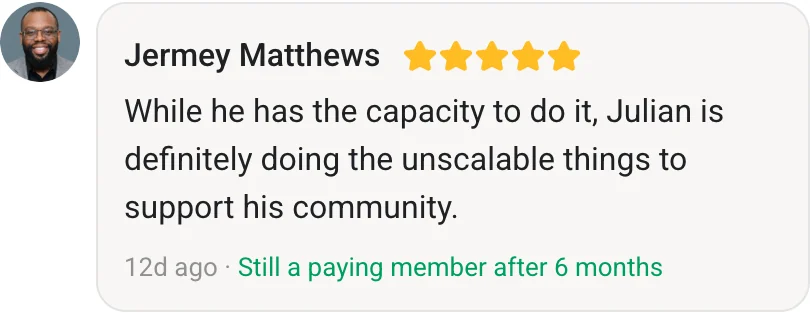
I'm Julian Goldie — AI entrepreneur, SEO expert, and founder of the AI Profit Boardroom (3,000+ members). I help business owners scale with AI agents, automation and SEO.
- 400K+ YouTube subscribers
- 7-figure AI agency (Goldie Agency)
- Daily training inside the Boardroom
- Author of multiple AI automation playbooks
→ Get my best AI training inside the AI Profit Boardroom
Further Reading On Agent OS Guide
For deeper walkthroughs on the topics in this article, the Agent OS Guide library has these worth bookmarking.
- Agent OS Guide — the full library of agent OS walkthroughs and reference builds.
- Hermes Agent OS Q&A — the most-asked questions about running an agent OS day to day.
- NotebookLM Agent OS — how the research layer slots into the wider stack.
- Agent OS Member Testimonials — real operators on what the OS pattern changed for them.
Also On Our Network
- 🌐 Read on bestaiagentcommunity.com
- 🌐 Read on aiprofitboardroom.com
- 🌐 Read on juliangoldieaiautomation.com
- 🌐 Read on aisuccesslabjuliangoldie.com
Related reading
- Agentic OS
- Agentic OS Meaning
- Agentic OS Claude
- Agentic OS Claude Code
- Agentic OS Download
- Hermes Agent Mission Control
- OpenClaw Mission Control
📺 Video notes + links to the tools 👉
🎥 Learn how I make these videos 👉
🆓 Get a FREE AI Course + Community + 1,000 AI Agents 👉
That's the day-in-the-life walkthrough of the agentic os command center I run in 2026.